How a Mobile App Transforms Attendee Engagement at Events
Last updated: April 2026. This article is for informational purposes only. Statistics and third-party features referenced may have changed since publication. Terms apply.
Every convention organizer has seen it: attendees huddled around a printed schedule taped to a wall, squinting at room numbers, then wandering off in the wrong direction. Or the moment a panel room changes and there is no way to tell the 300 people who planned to attend -- except a hastily written sign on the original door that half of them will miss.
A dedicated mobile app does not just digitize the printed program. It fundamentally changes how attendees experience your event. Here is how each feature contributes to deeper engagement, longer stays, and more satisfied fans.
Push Notifications: The Real-Time Lifeline
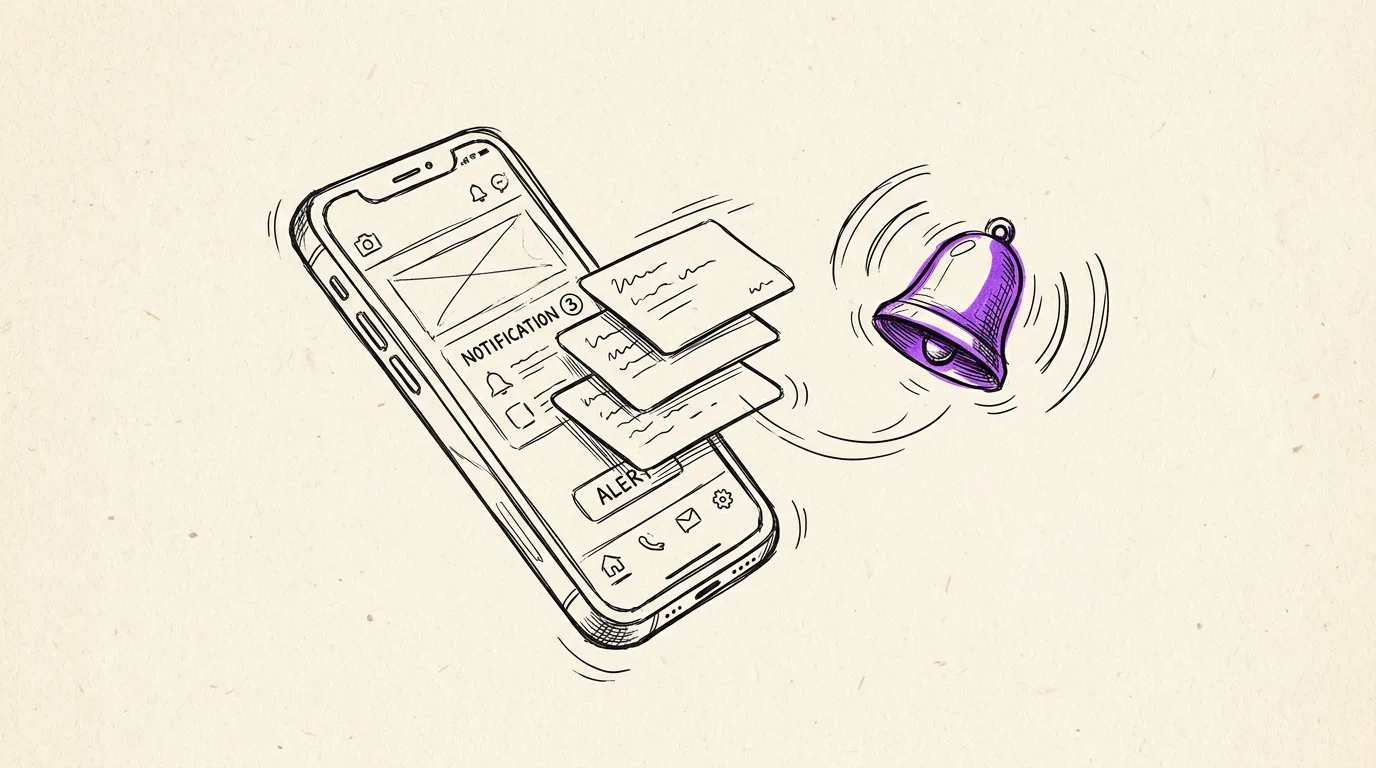
Push notifications are the single most impactful feature of an event app because they solve the oldest problem in convention management: communication at scale.
Without an app, your options for reaching attendees in real time are limited to PA announcements (which only reach people in earshot), social media posts (which people may not check), and physical signage (which takes time to produce and place). With push notifications, you can reach every attendee's pocket simultaneously.
When to use push notifications
- Schedule changes. "The John Smith panel has moved from Room 3 to the Main Hall due to high demand." Attendees get this instantly, not when they walk up to an empty room.
- Time-sensitive announcements. "Surprise meet-and-greet with Jane Doe at the autograph area in 15 minutes!" These moments create buzz and energy that ripple through the entire event.
- Operational updates. "The vendor hall is now open" or "Registration line is currently under 5 minutes" -- practical information that reduces frustration.
- Safety alerts. Weather warnings, emergency instructions, or security-related messages. Having a direct channel to every attendee is not just convenient; it is a safety tool.
The key is restraint. Events that send 15 push notifications per day train attendees to disable them. Aim for 3-5 per day maximum, reserved for genuinely important or exciting updates. Use in-app banner messages for less urgent announcements.
Personal Schedule Builder: Making the Event Their Own
A convention with 50+ sessions across multiple rooms and days is overwhelming. Attendees face decision paralysis -- especially first-timers who do not know which panels to prioritize.
A personal schedule builder lets attendees browse the full schedule, tap to save sessions they are interested in, and view their curated "my schedule" as a clean, chronological list. This changes the experience from "What should I do next?" to "Let me check what I planned."
Why this matters for engagement
- Pre-event planning increases attendance at sessions. When someone commits to a panel before the event, they are more likely to actually show up. This means fuller rooms, better energy, and happier panelists.
- Conflict detection. A good schedule builder highlights when two saved sessions overlap, prompting the attendee to choose. This prevents the frustrating experience of showing up to an event that started 20 minutes ago because they lost track of time in another room.
- Personalized reminders. Send a notification 10 minutes before each saved session: "Your next event starts soon: 'Writing Your First Novel' in Room 204." Attendees never miss something they wanted to see.
Conventions that add schedule builders see measurably higher session attendance and fewer empty seats in panel rooms -- which is better for panelists, sponsors, and the overall atmosphere.
Social Features: Friends and Direct Messaging
Conventions are inherently social events, yet most event technology treats attendees as isolated individuals. Adding friend connections and direct messaging inside the app creates a digital layer on top of the physical experience.
How attendees use social features
- Coordinating with friends. "Where are you? Want to grab lunch before the 2pm panel?" -- a message that would otherwise require texting a phone number, which not everyone has. In-app messaging lets people connect through the event itself.
- Meeting new people. Attendees can see who else saved the same sessions and reach out. "I see you're going to the horror movie panel too -- want to grab seats together?" This turns a convention from a crowd into a community.
- Sharing discoveries. "There's an amazing artist at Booth 73, you have to check them out." Word-of-mouth happens naturally, but in-app messaging makes it instant and specific.
Privacy matters here. Social features should be opt-in, with clear controls over who can send messages and what profile information is visible. The goal is to enable connections, not expose personal information.
Interactive Maps: Ending the Era of Being Lost
Convention venues are confusing. Even repeat attendees struggle with unfamiliar wings, temporary room labels, and vendor hall layouts that change every year. Paper maps help, but they have severe limitations: they are static, hard to read at a distance, and often inaccurate by the time the event starts.
An interactive map in the app solves these problems:
- Pinch-to-zoom detail. Attendees can zoom into the vendor hall to find Booth 47, or zoom out to see the relationship between the main hall and the panel rooms.
- Tappable points of interest. Tap a room to see the current and upcoming sessions. Tap a vendor booth to see their name, products, and photos. Tap an amenity icon to find restrooms, ATMs, or food options.
- Multi-floor support. Convention centers with multiple levels need a map that lets attendees switch between floors. A printed map cannot do this without confusion.
- Real-time updates. If a room assignment changes, the map updates instantly. If a vendor moves to a different booth, update the pin. The map is always current.
The impact on attendee experience is significant. Less time wandering means more time at sessions, in the vendor hall, and enjoying the event. Reduced frustration means higher satisfaction scores in your post-event survey.
QR Check-In vs. Paper: Speed and Data
The check-in experience is the first impression your event makes. A long, slow registration line -- with staff flipping through alphabetized name lists and peeling badge stickers off sheets -- tells attendees "this event is not well organized."
QR code check-in changes this completely:
- Speed. A QR scan takes 2-3 seconds. A manual name lookup takes 30-90 seconds. Multiply that by a few hundred attendees arriving in the first 30 minutes, and the difference is either a flowing line or a backed-up mob.
- Accuracy. No misspelled names, no "I don't see your registration" moments. The QR code links directly to the ticket record. Scan, confirm, print badge, done.
- Data capture. QR check-in tells you exactly when each attendee arrived. You can track day-over-day attendance, peak arrival times, and no-show rates. This data is invaluable for planning next year.
- Walk-up integration. On-site ticket purchases can generate an instant QR code sent to the buyer's phone. They walk 10 feet to the check-in line, scan, and they are in. No separate walk-up process needed.
For VIP and premium ticket holders, QR check-in also enables differentiated experiences. Scan the code, the system recognizes it is a VIP ticket, and the staff can immediately direct them to the VIP lounge, hand them their swag bag, and confirm their reserved seating.
Real-Time Updates: The Invisible Backbone
All of these features depend on one underlying capability: real-time data synchronization. When you change the schedule in the admin dashboard, it should appear on every attendee's phone within seconds -- not after they force-close and reopen the app.
WebSocket-based real-time updates mean:
- Schedule changes propagate instantly
- Push notifications arrive without polling delay
- Vendor directory updates (new vendors, booth changes) appear immediately
- Banner announcements scroll across every connected device simultaneously
- Virtual queue positions update in real time, so attendees know exactly when it is their turn
This is the difference between an app that feels like a static brochure and one that feels like a living, breathing extension of the event itself. When the app updates in real time, attendees trust it. When they trust it, they use it. When they use it, engagement goes up across the board.
Offline capability matters too
Convention Wi-Fi is notoriously unreliable. A good event app caches all content locally so the schedule, maps, guest profiles, and vendor directory work without any connection. When connectivity returns, the app syncs quietly in the background. Attendees should never see a loading spinner or an error screen when they are trying to find their next panel.
Ready to streamline your event?
Confanum's white-label mobile app gives your attendees push notifications, personal schedules, interactive maps, social features, and offline access -- all under your brand.
Schedule a DemoThe First-Time Convention Organizer's Complete Checklist
The comprehensive planning guide that covers mobile app setup alongside every other aspect of convention planning.
5 Proven Ways to Increase Vendor Revenue at Your Convention
How the vendor directory and interactive maps drive more foot traffic to your vendor hall.
Reserved Seating for Events: A Complete Setup Guide
How QR codes and mobile check-in work together with reserved seating systems.